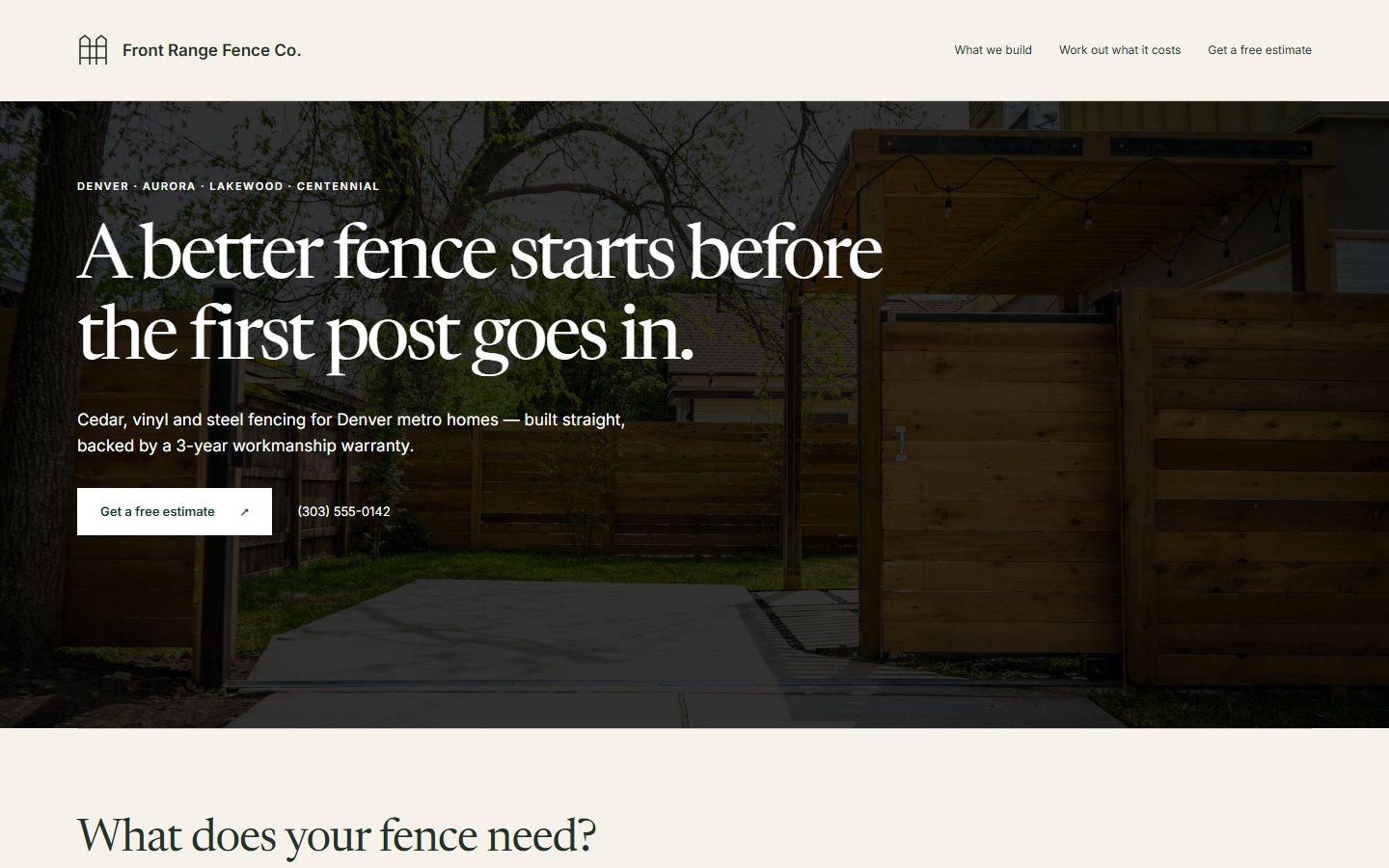
Show the fence styles you build and what goes into the posts and gates. Customers can send the length, access photos and work they need before you arrange a measure.
Ten to thirty minutes to answer our questions. A preview in 48 hours once we have your answers and payment.
$40 a monthFive edit requests a month included.
Homeowners may get three bids. Your website helps decide who gets the first call. Show the fences you build, the materials you work with, and what homeowners can expect from estimate to install.
Step inside Boundary
Front Range Fence Co. is a fictional sample business.
Each design shows the same sample fence business. Open one to explore the full site.
Your questionnaire gives us most of the site’s text, along with your services, photos and business details. We design and build the site on your own domain.

You check the preview and your business details in your Console, then ask us to launch.
Your Console keeps customer messages and job details together. Try Front Range’s sample below.
Explore the sample Console
Keep the length, material and gate openings with each job on the Board. Add the details you confirm during the measure.
See the old fence and access route in the Inbox. Ask about a narrow side gate or a slope before planning the visit.
Keep agreed visits in the Calendar. When an installation moves, review the affected appointments before contacting customers.
Write a quote, estimate, work order, change order, invoice, receipt or warranty in Documents. Your customer opens it as a link in your business’s colors, and signs with a tap where it needs agreement. Included with the website.
The included Quote Follow-Up tool drafts a message for an unanswered quote you’ve recorded. You review it before sending it from your phone.
Quotes, invoices and payments, organized by customer. See what’s owed and which payments are late. Add cash payments and job costs, then compare collected payments with recorded costs.
We build your website with the Console and workflow tools included. We’ll help you set up the tools that fit your work.
Your website, Console and workflow tools. Most of your site’s text comes from your questionnaire answers; we design the site and add headings and directions for customers. Hosting and upkeep are included.
Your first preview after your questionnaire and payment. Use your Console’s launch checklist to check the site and business details, finish any required setup, and ask us to launch.
No exit fee. Your site stays up through the period you’ve paid for.
Your domain is registered in your name and billed at cost: about $11.17 a year for a .com.
Texts use your carrier plan, with no per-message fee from Plainsmith.
Your website plan includes the optional Front Desk, with no setup charge. It is an automated answering service for calls you choose to forward when you can’t pick up. It takes a message and prepares your text reply. Follow the setup steps in your Console to open the voice account. We help connect the answering line and check forwarding on your number during setup. Its Twilio voice line costs about $1.15 a month plus about a cent a minute, billed by Twilio to an account in your name. Twilio is the phone company that carries that line. See provider costs.
Cancel from your Console. Your website comes down and workflows stop at the end of the month or year you paid for.
We return your website payment in full if you ask within 14 days of receiving your first preview. That includes the whole $400 on an annual plan. You can review that site and request changes before launch. Changes before launch are free and don’t use your five monthly edit requests. Domain registration is nonrefundable, and the domain stays yours.
After paid service ends, your Console is free and read-only, with records to view and download under our records policy.
Your domain, words, photos and logo belong to you from the start. The website’s design and code cost $499 less your plan credit to buy.
Monthly: this month’s $40 comes off. Annual: we credit $33.33 for each unfinished month, including the month you’re in. Your Console shows the exact price.
Your website files download from your Console as soon as the buyout goes through. We keep hosting the site for at least 30 days after the buyout, so you can move it without a gap; after that, hosting, updates and your domain’s renewals are yours. The workflow tools run through the current month of your plan, even if you paid for a year. The exact end date is in your Console. Read the ownership terms.
Explore the details behind the site, from a fence estimate to a change after launch.
You uncover old concrete around a post that wasn’t visible at the measure. Show the customer the extra work and price before digging it out.
The prepared request asks for photographs of the fence line and access route.
Explore the tool ›Write down the extra work and price for the customer to approve before you proceed.
Explore the tool ›Send the hours, photo or wording you want changed. We make the edit.
Most go up the same day.
Put your changes in one message. Everything in that message counts as one request.
Can you change Saturdays to appointment only? I’m keeping weekdays the same.
Saturday now shows “By appointment” in your contact section. The weekday hours are unchanged.
Please replace my old contact number with (720) 555-0184.
Your contact section and call buttons now use (720) 555-0184.
Can the fence form ask what needs to fit through the gate, not just how wide they want it?
Your gate form now has a “What will use this opening?” question, with people, bins and vehicles as examples.
Your request and our reply stay together in your Console.
Sample conversation. These examples don’t send a request or change a website.
Send website changes from your Console or email edits@plainsmith.co. We read each request in the order it arrives. After your included requests, you can wait until next month or pay $10 for another.
Try Front Range Fence Co.’s example prices below. Your website uses the rates and minimum you choose.
You answer plain questions about the fences you build, your installation details and the area you cover. We read your answers and build the site from them. Complete the launch checklist in your Console when you’re ready for us to publish.
Most of your site’s writing comes from your answers. We design the pages and add any explanation a customer needs to understand your services. You approve the site before launch.